








I would 100% recommend StoreFeeder to any warehouse operation. The accuracy and efficiency it offers throughout the fulfilment process mean it pays for itself multiple times per year in reduced processing time and dramatically reduced process errors.


Stock the same product in several warehouses, each with its own locations. Every sales channel sees the combined available quantity, so you can sell from all of them without overselling.
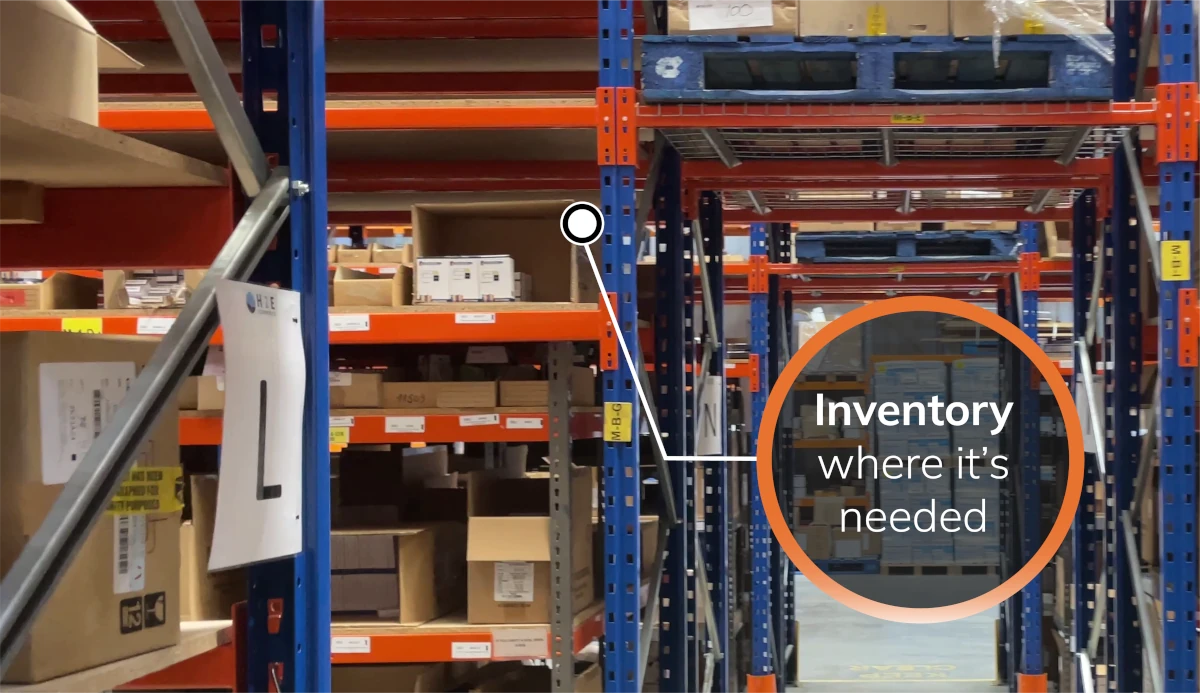
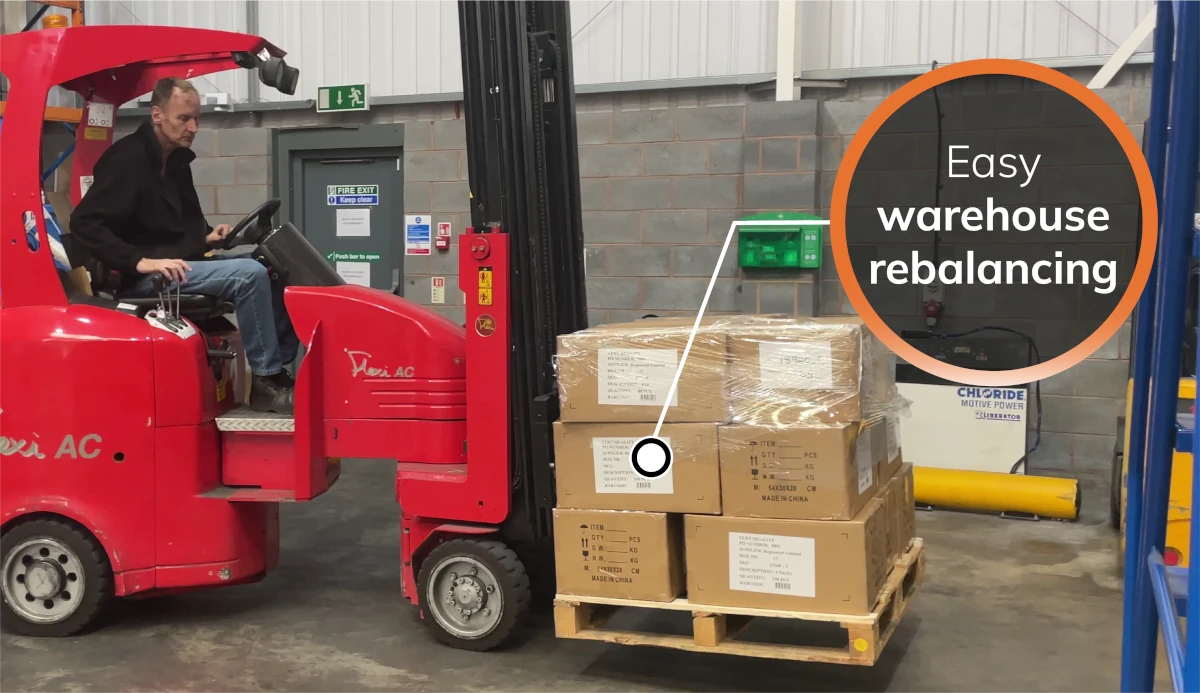
Create a transfer, pick it at one site and book it in at the other. Stock in transit is tracked until it arrives, so nothing goes missing between warehouses.
Send a channel's orders to the site that should fulfil them, for example a Shopify store from one warehouse and marketplace orders from another.
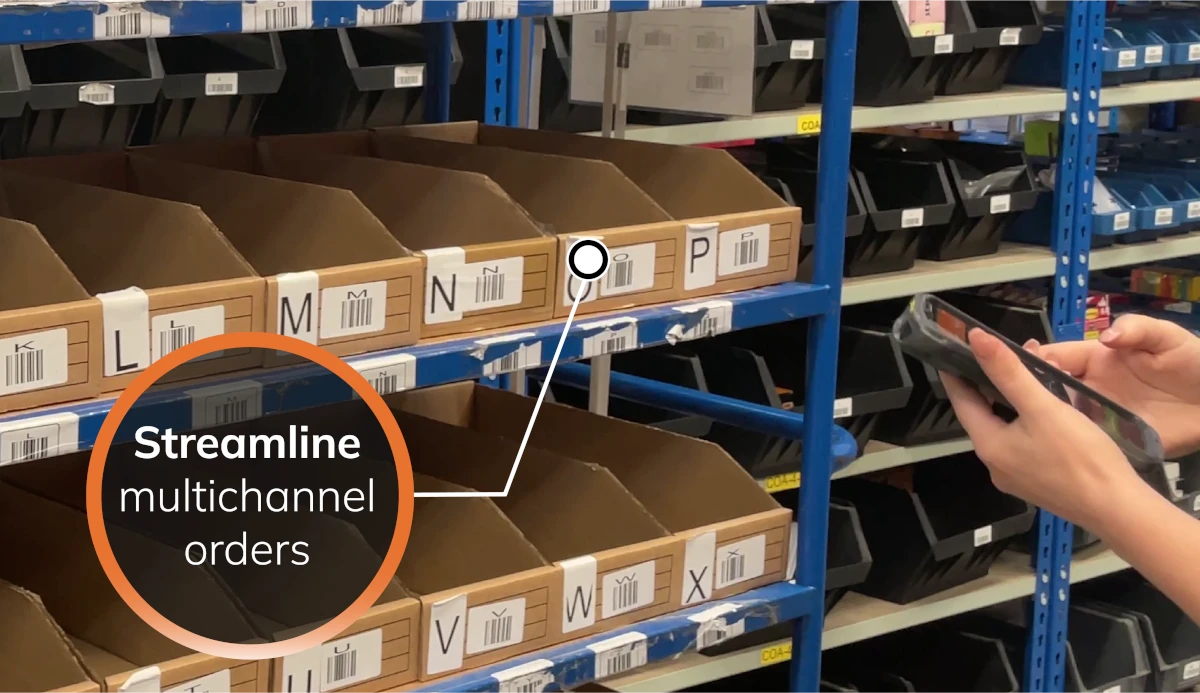
Choose how orders are allocated as they are imported. 'Highest priority' sends each order to your preferred site first, such as the one closest to the customer. 'Minimum shipments' uses the site that can send the whole order in one parcel.
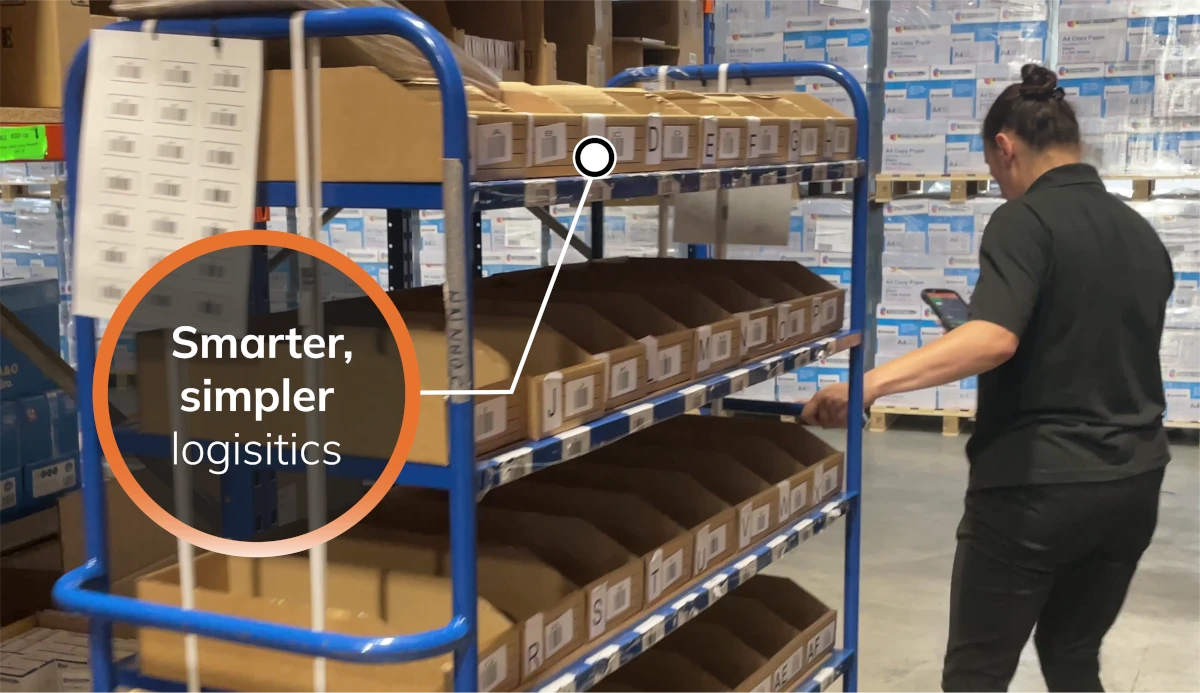
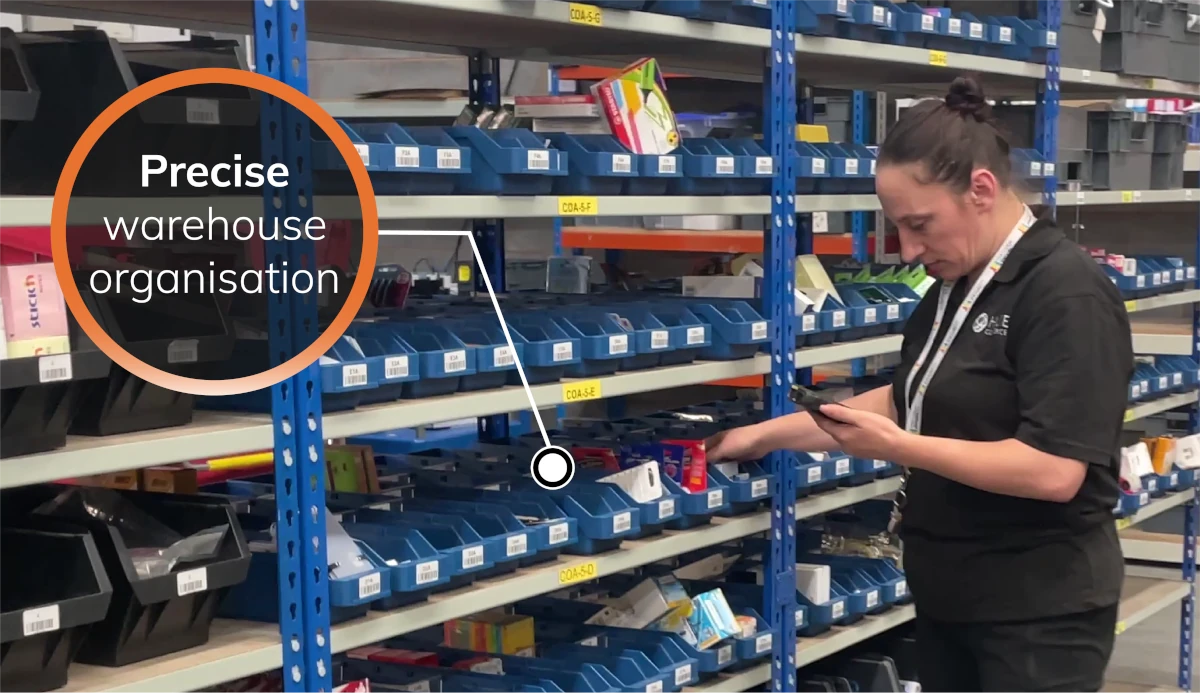
Each warehouse has its own aisles, racks, bins and bulk locations. Pickers are sent to the exact location and every item is checked by scan, whichever site they work in.
If a warehouse is closed or falling behind, change the routing priority and new orders go to another site that holds the stock.
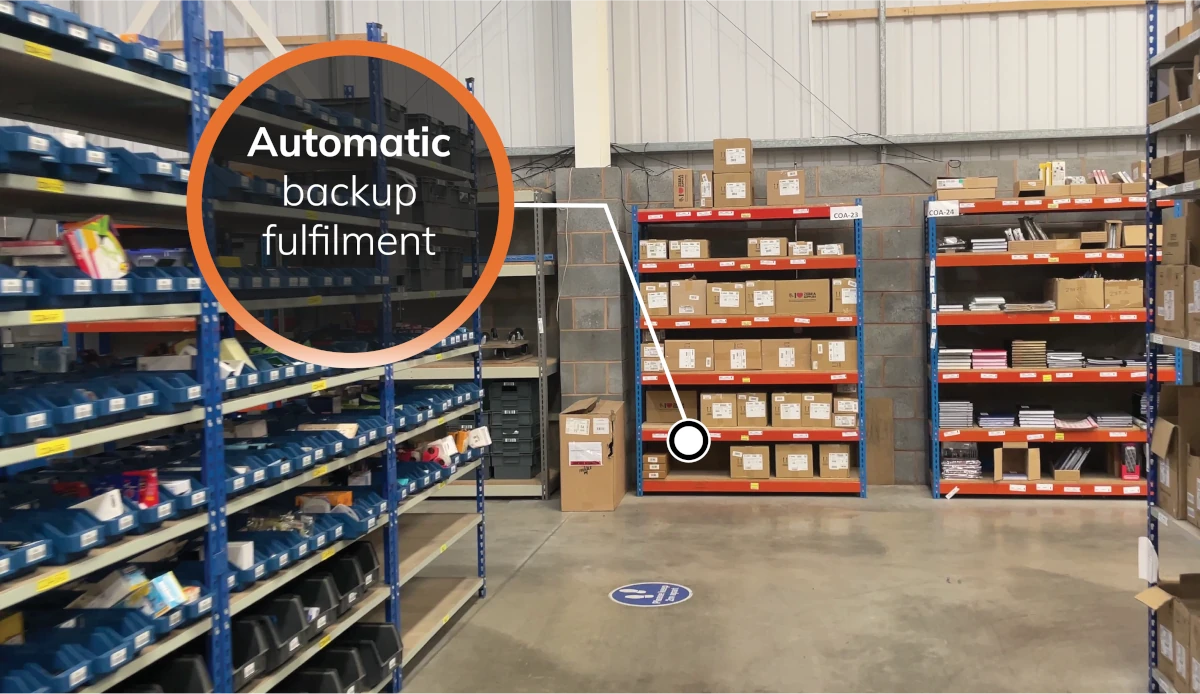
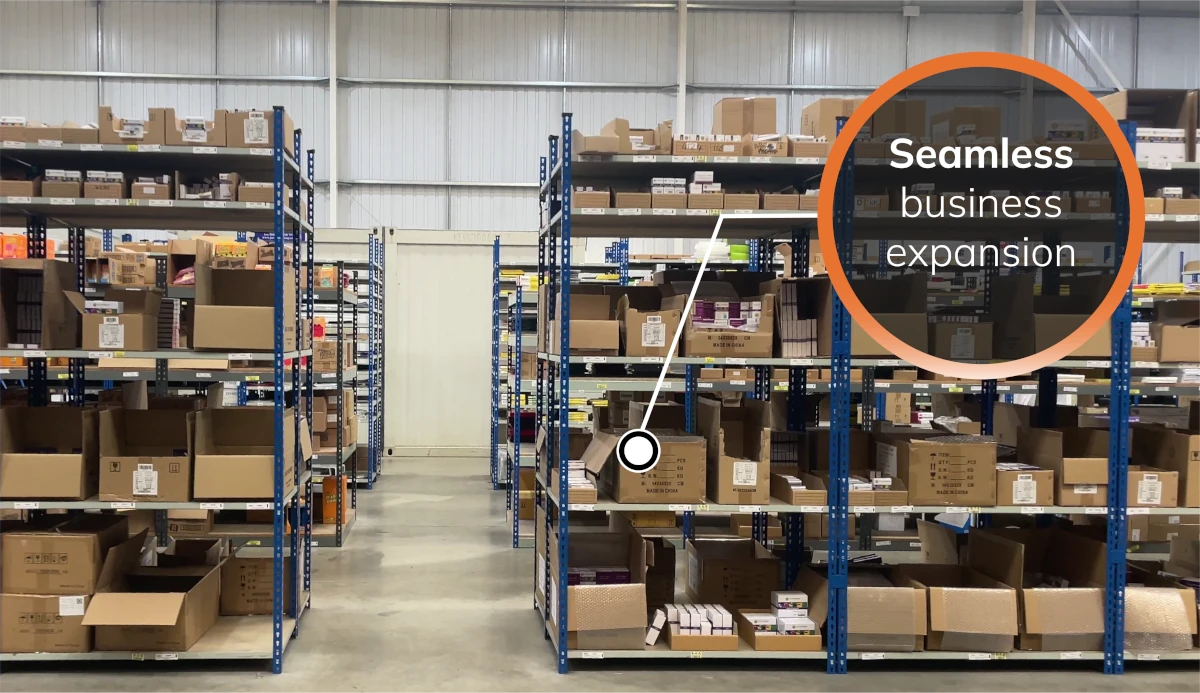
A second warehouse, a shop that ships online orders or a third-party warehouse holding some of your stock: each one is another location in the same StoreFeeder account, with the same channels and rules.
Not ready for a demo? See what StoreFeeder could save you
Multi-warehouse management means running stock, orders and picking across more than one location from a single system. Each site keeps its own stock and locations, but your sales channels see one combined figure, orders go to the site that should fulfil them, and stock can be moved between sites without losing track of it.
The alternative, a separate system or spreadsheet per site, is where most multi-site problems start: stock that is sold twice, orders sent from the wrong warehouse and transfers that nobody can find.
Each warehouse has its own aisles, racks, bins and bulk locations, and every unit is tracked to one of them. You can see what each site holds, and the same product can be stocked in several sites at once.
Amazon, eBay, Shopify, TikTok Shop and your other channels see the combined available quantity across your sites, so you can sell everything you hold without overselling. How multichannel stock works
Orders are allocated to a warehouse automatically as they are imported. Choose Highest priority to send each order to your preferred site first, for example the one closest to the customer, or Minimum shipments to send it from whichever site can ship the whole order in one parcel, so it is not split. If a site is closed or falling behind, change the priority and new orders go elsewhere.
A sales channel can be linked to a particular warehouse, for example a Shopify store fulfilled from one site while marketplace orders go to another.
Create a transfer in StoreFeeder, pick it at the sending site and book it in at the receiving site. Stock in transit is tracked until it arrives, and every movement is recorded. How stock transfers work
Each warehouse uses the same scan-validated picking and packing, so staff can move between sites without learning a new process. Pick and pack software
Multi-warehouse stock, routing and transfers are part of the Advanced Operations Pro add-on, priced separately on top of your StoreFeeder plan. Plans start from £350 a month ex VAT, with no per-user fees, and anything extra that applies to you is listed in your quote before you sign. See pricing, try the ROI calculator or book a demo to see routing on your own orders.
Multi-warehouse stock, order routing and transfers are part of the Advanced Operations Pro add-on, priced separately on top of your StoreFeeder plan. Plans start from £350 a month ex VAT with no per-user fees, and anything extra that applies to you is listed in your quote before you sign. See pricing.
Multi-warehouse management means running stock, orders and picking across more than one location from one system. Each site keeps its own stock and locations, your sales channels see one combined figure, orders are routed to the site that should fulfil them, and stock moves between sites with tracked transfers.
Yes. Every unit is tracked to a location in each warehouse, and every sales channel sees one combined available quantity, so selling from several sites never means overselling. You can rebalance stock between sites with tracked transfers, with a full audit trail of every movement.
Yes. Allocation rules are applied automatically as orders are imported. 'Highest Priority' sends orders to your preferred sites, such as the warehouse closest to the customer, and 'Minimum shipments' avoids splitting an order across sites. If a site is delayed or closed, orders can be redirected elsewhere. StoreFeeder also supports FIFO (first in, first out) stock rotation, so older stock is picked first, and tracks batches and dates, such as best-before or expiry dates, with each batch kept in its own stock location.
Setting up a new warehouse in StoreFeeder is a configuration task: add the site, create its locations and barcode them. The longer part is physical: labelling the new site and moving stock in with transfers so both sites' figures stay right. Multi-warehouse management is part of the Advanced Operations Pro add-on.
Yes. Use the 'Highest priority' routing rule to send orders to your preferred warehouse first, for example the one closest to the customer. If that site can't fulfil an order, you can use 'Minimum shipments' instead to send it from whichever site can ship the whole order in one parcel.
Every pick, booking-in and transfer updates stock at the site where it happens, and the combined available figure is sent to every sales channel. A sale on eBay reduces what Amazon and Shopify can sell, whichever warehouse the stock is in.


Prefer to try it yourself? Start a 14-day free trial, no card required. We review each trial sign-up before setting up your account, so access isn't instant.
Start your free trial →