Connect BigCommerce to StoreFeeder to download orders at the status you choose, keep stock in step with Amazon, eBay and your other channels, create BigCommerce listings and send tracking back automatically.




The BigCommerce setup guide lists the exact API scopes needed. Also selling on Shopify or marketplaces? They all run from the same stock pool.
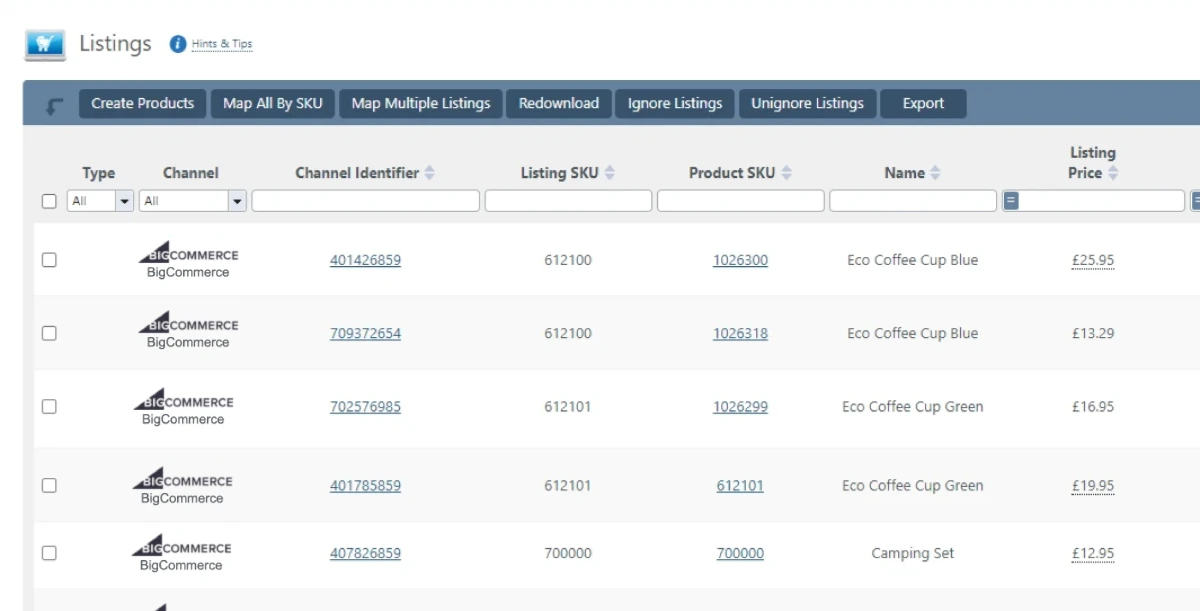
BigCommerce orders drop into the same queue as Amazon, eBay and your other channels.
Your team works from one order list, whichever channel the order came from.
Stock is held centrally, so a sale on any channel updates what your BigCommerce store shows.
One stock figure across every channel helps prevent overselling.
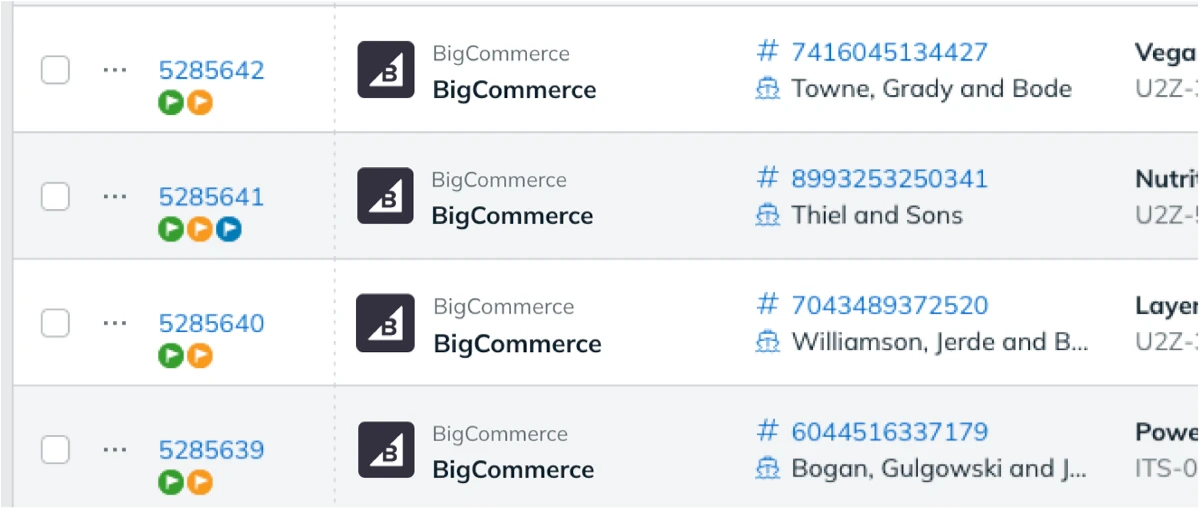
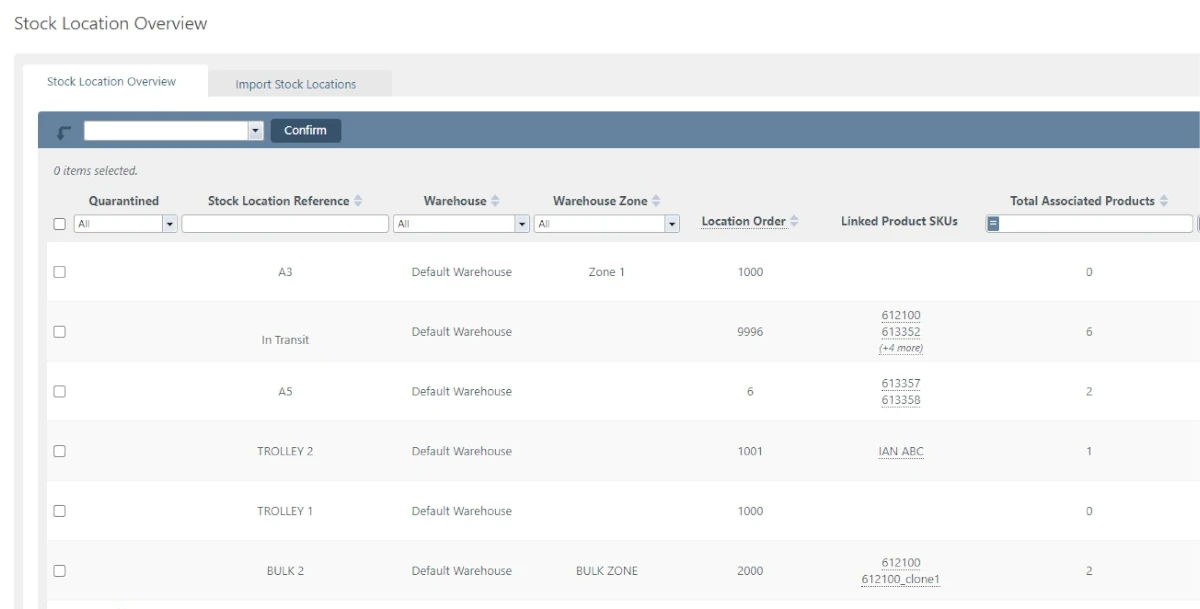
BigCommerce orders go through the same warehouse process as everything else.
Want to see it working with your own store? Book a demo.

Book a demo of StoreFeeder today and discover how we can revolutionise your warehouse operations with our tools.
Book a demo
Link your account with just a few clicks - no technical skills required.
Import orders and shipping details automatically, ready for label generation and tracking.
Automate label creation, manage despatch, and handle returns effortlessly, all from one centralised platform.
Link your account with just a few clicks - no technical skills required.
Import orders and shipping details automatically, ready for label generation and tracking.
Automate label creation, manage despatch, and handle returns effortlessly, all from one centralised platform.

Yes. StoreFeeder handles complex product options, SKUs and variants for BigCommerce, and bulk-editing tools let you upload, edit and update large numbers of products. Custom product attributes and fields can be mapped and synced to your BigCommerce catalogue.
Yes. Inventory is synchronised from one central figure, and stock levels sync to every linked channel, so a sale on BigCommerce updates the others. If you also sell on Shopify or marketplaces, they all run from the same stock pool.
Yes. When you set up the integration, you choose the order status that triggers downloads, so BigCommerce orders only arrive in StoreFeeder once they reach that stage. You also set your store's weight unit and test the connection before going live.
Create an API account under advanced settings in BigCommerce and note the API path and credentials, which BigCommerce shows only once. In StoreFeeder's Integration Manager, add a BigCommerce integration and enter the Client ID, access token, API path, store hash and store URL. The setup guide lists the API scopes needed.
Yes. BigCommerce orders download into StoreFeeder at the order status you choose, alongside Amazon, eBay and your other channels. Stock is synchronised from one central figure, you can create BigCommerce listings from existing products, and tracking is sent back to BigCommerce on despatch.
Are you ready to take your eCommerce business to the next level?
Book a free demo with StoreFeeder now and see how we can help you grow your business.